How to Resume a StopeX Model From a Specific Mining Step Using a New Design or Sequence
For short-term underground numerical modelling in StopeX, it can be time-consuming to re-run a full model when only certain stope designs or mining sequences have changed. The steps below describe how to restart a model from a chosen mining step and then apply the new design or sequence from that point onward.
Important:
Only use this workflow if the updated design does not introduce mining in areas where the existing model lacks sufficient mesh resolution.
If additional mining occurs in low-resolution regions, the model must be re-run from scratch to ensure correct mesh quality.
—
Step 1 — Update Stope Designs and Backfill Shapes
Replace all updated stope designs and any corresponding backfill geometries in the project folder.
This includes:
- Updated model step files
- Updated backfill wireframes (if applicable)
—
Step 2 — Restore the Mining Step You Want to Resume From
Restore the last completed mining step you want to restart the model from.
Example screenshots:
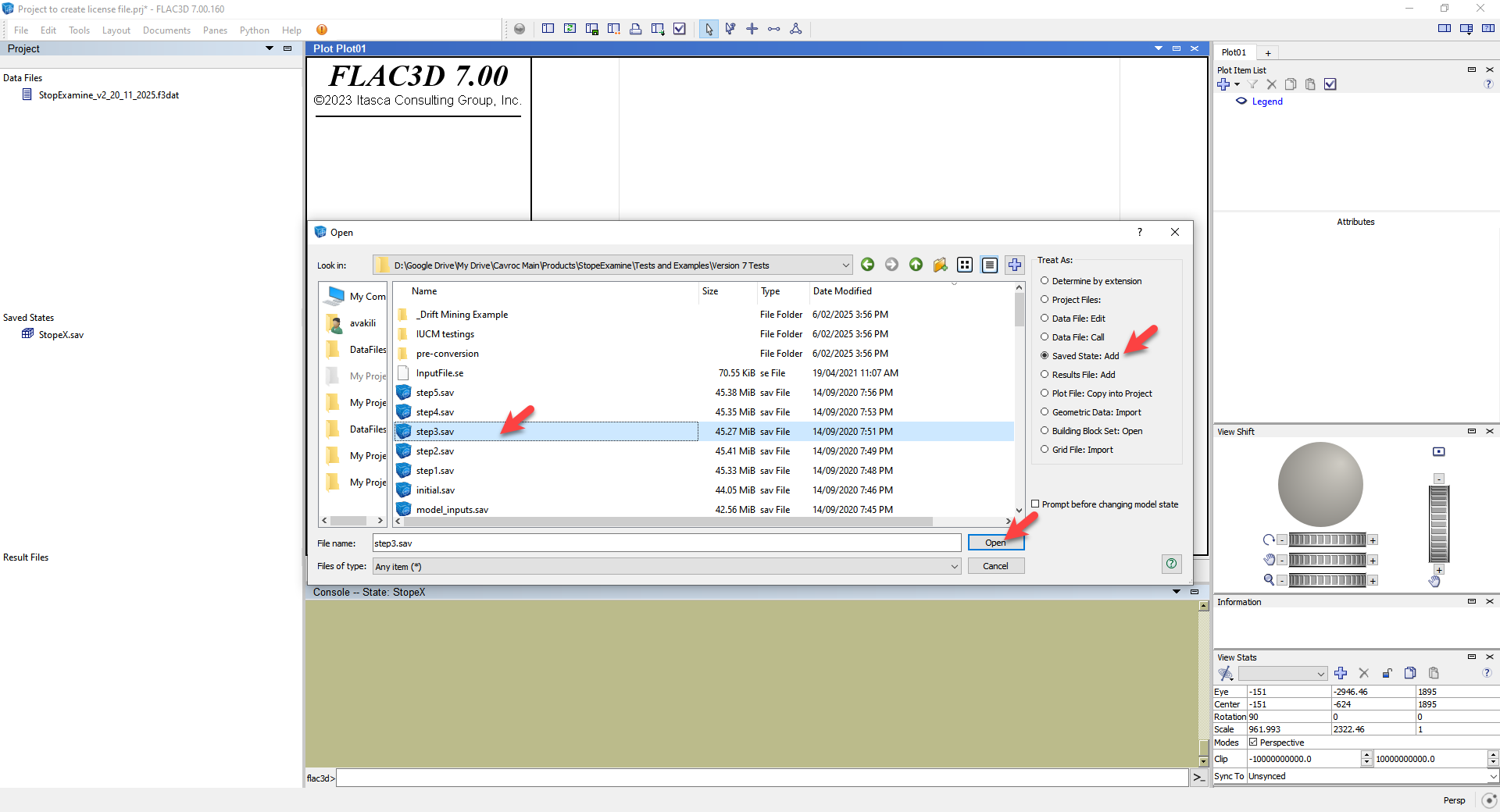
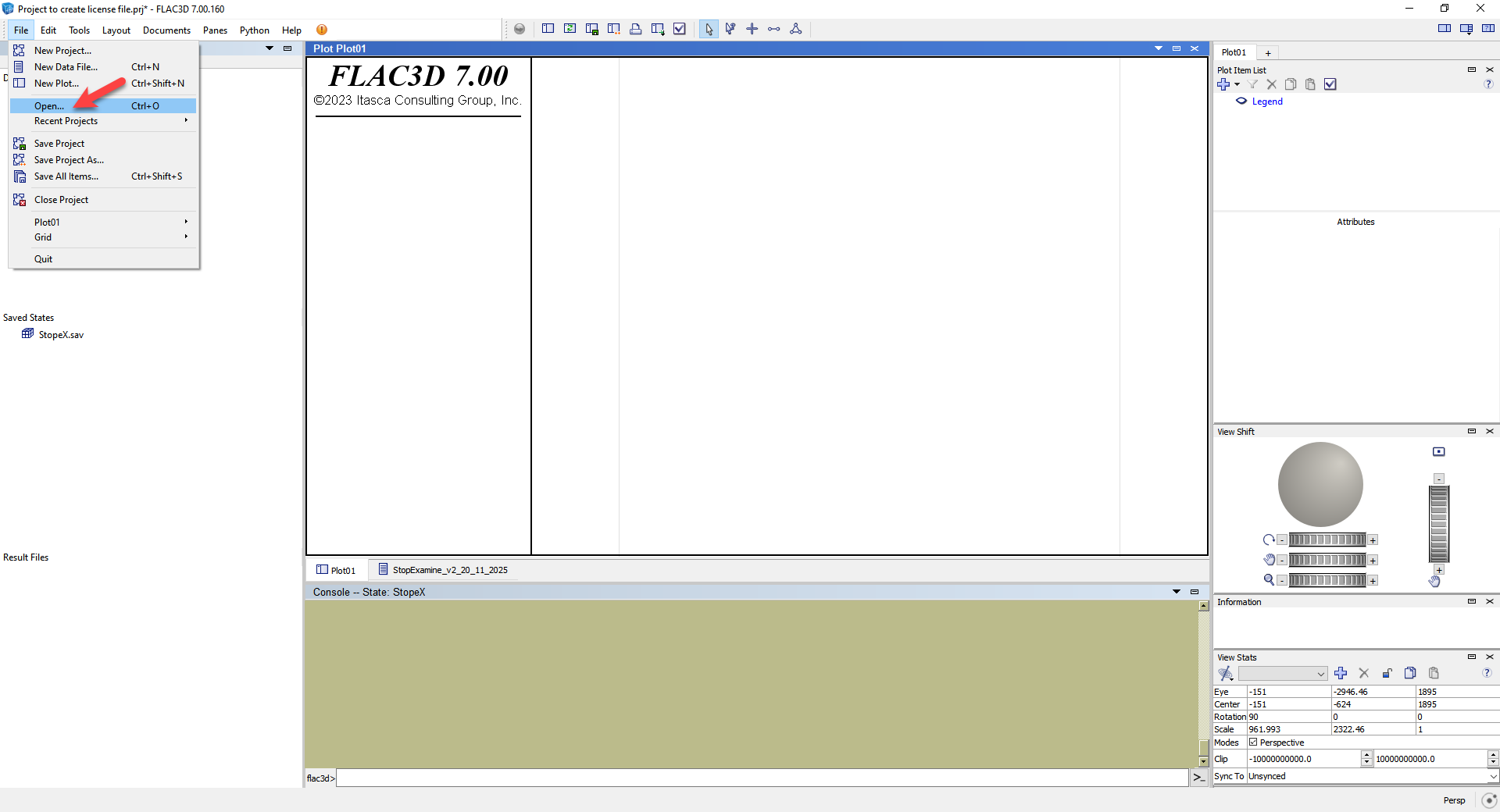
—
Step 3 — Create the Restart File
Create a new text file and include the following lines:
@Model_Sequence
@fill
fish set @Number_of_mining_steps_to_solve=
fish set @First_mining_step_to_start_from=
fish set @additional_cycling= 2000
@_solve
Return
How to set the parameters
Example
If you restore Step 10 in a model with 17 total steps, then:
- Steps to solve = 17 − 10 = 7
- First step to start from = 10 + 1 = 11
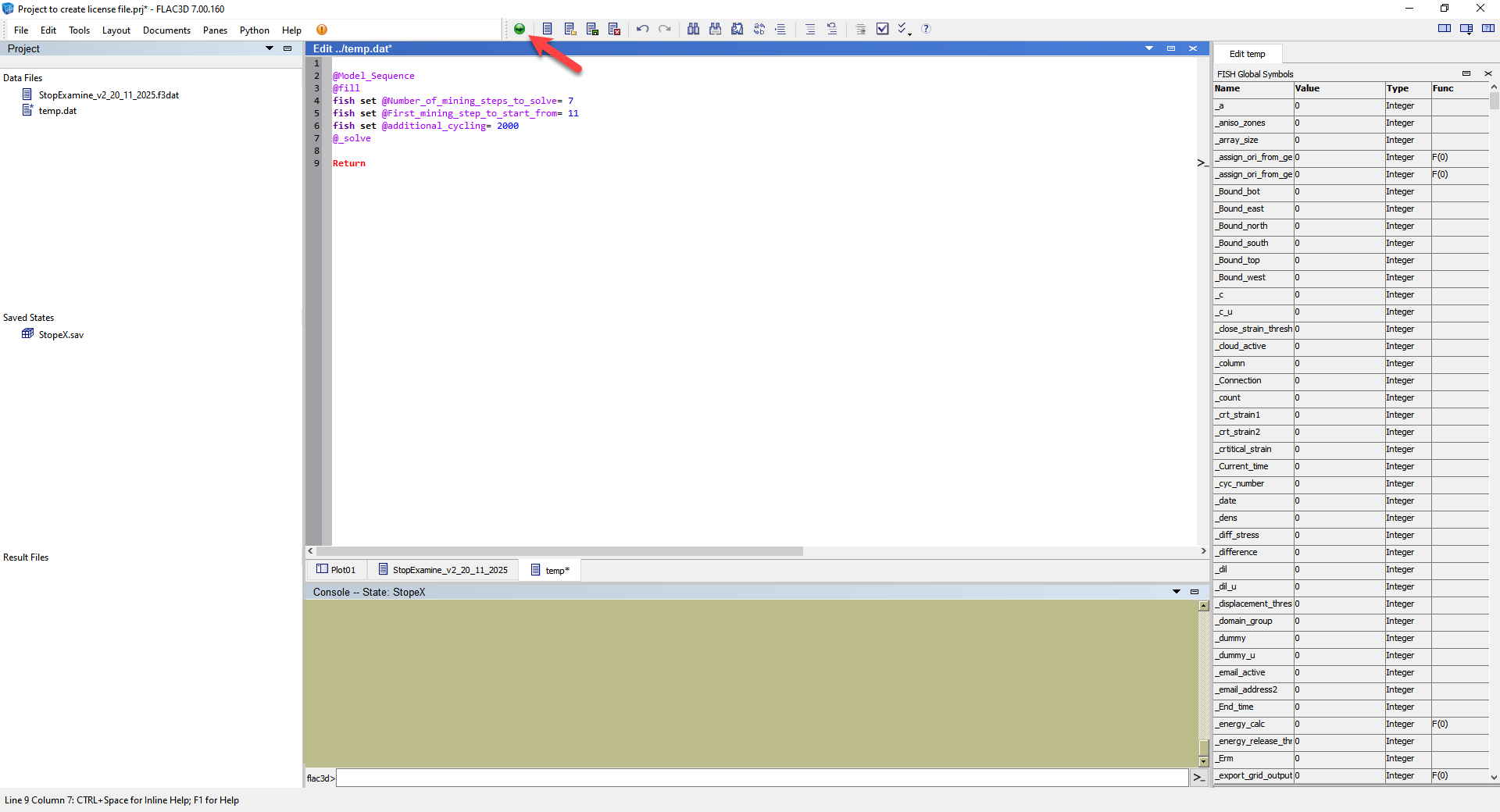
Your file should look like:
@Model_Sequence
@fill
fish set @Number_of_mining_steps_to_solve= 7
fish set @First_mining_step_to_start_from= 11
fish set @additional_cycling= 2000
@_solve
Return
—
Step 4 — Execute the Restart File in FLAC3D
Open the text file you created in FLAC3D and run it.
Example screenshots:
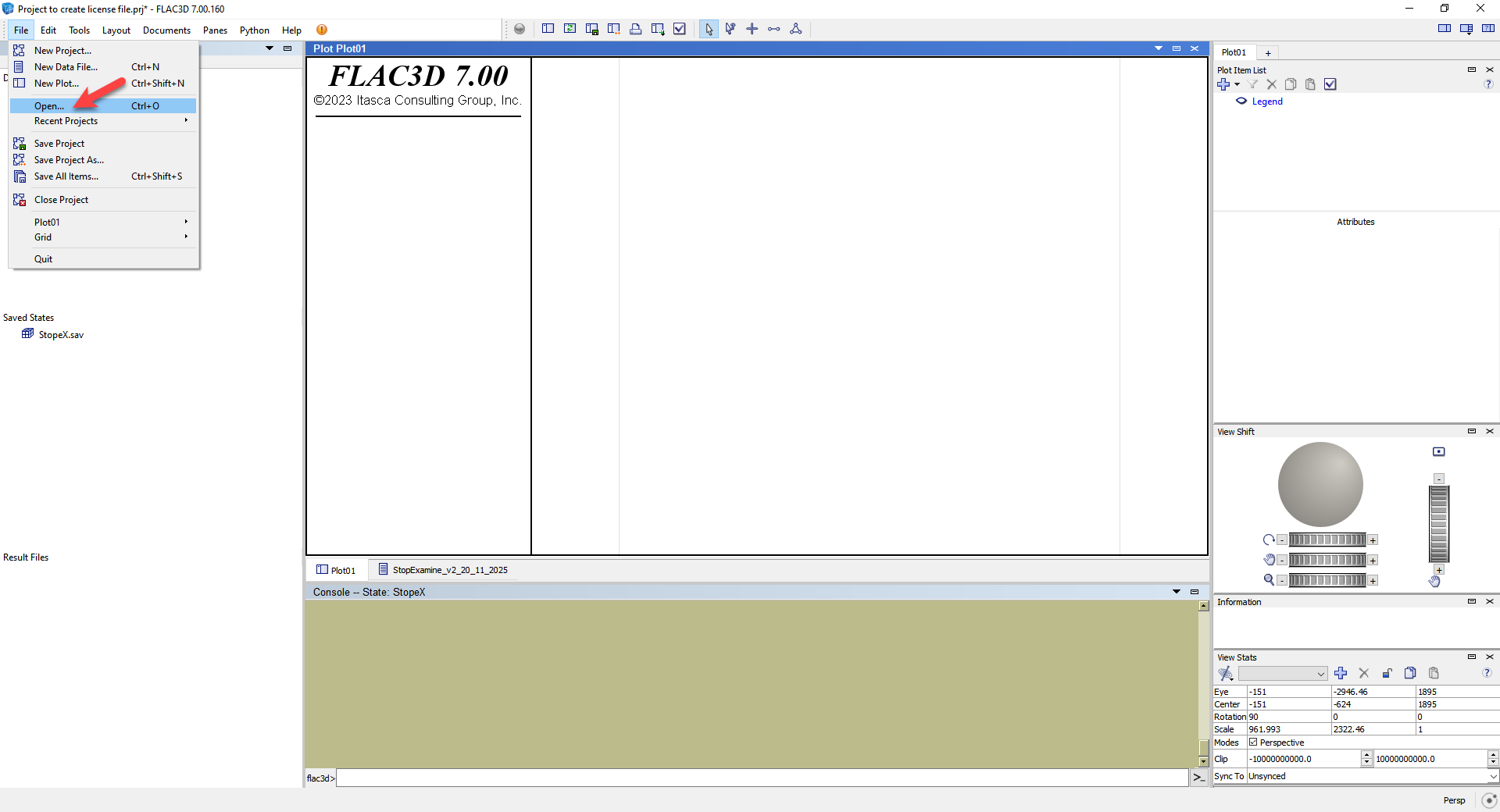
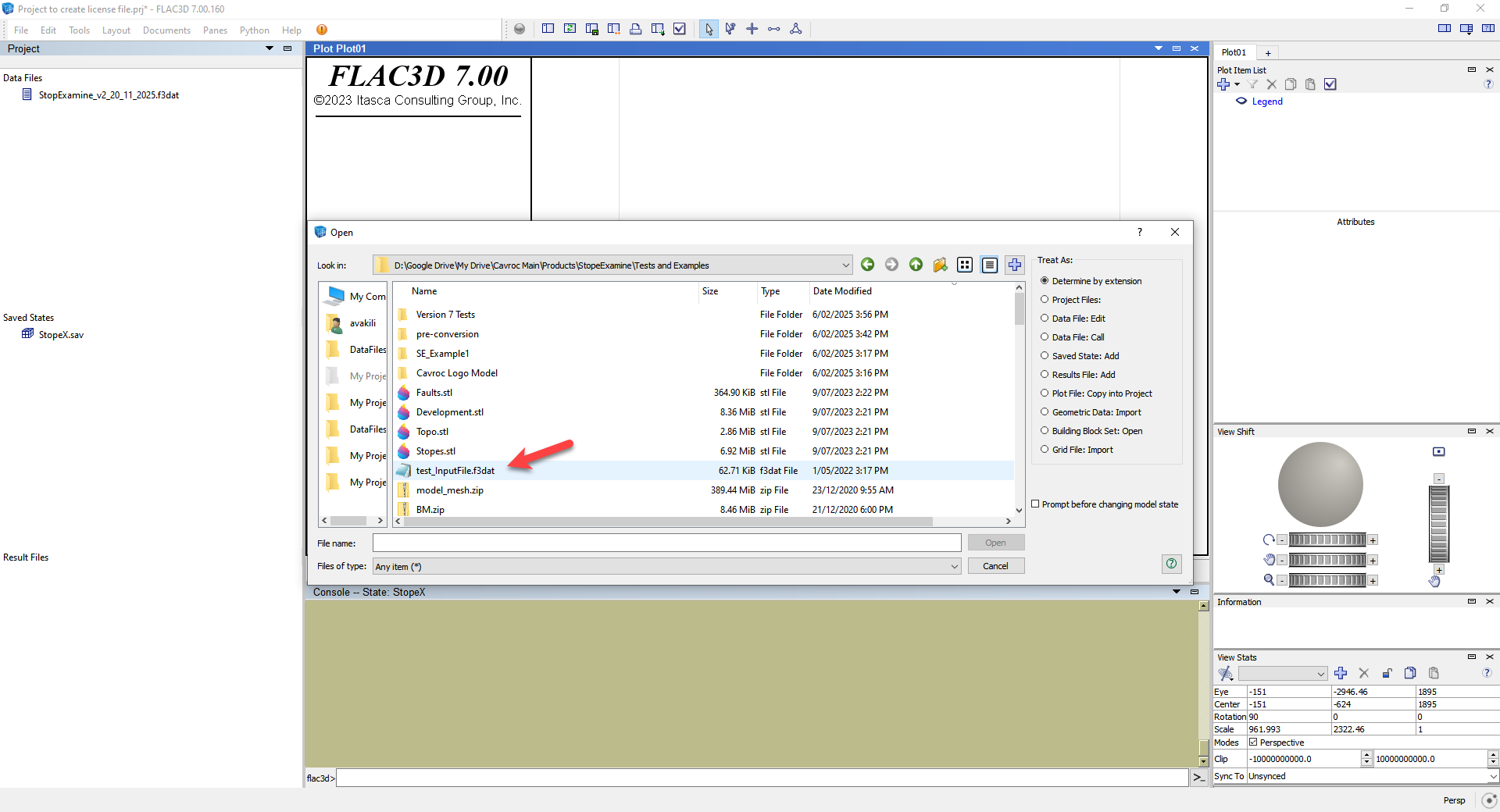
—
⚠️ Version Requirement
This restart functionality is available only in StopeX source files released after 20 November 2025.
Models built with older versions must be recreated using the latest StopeX source.